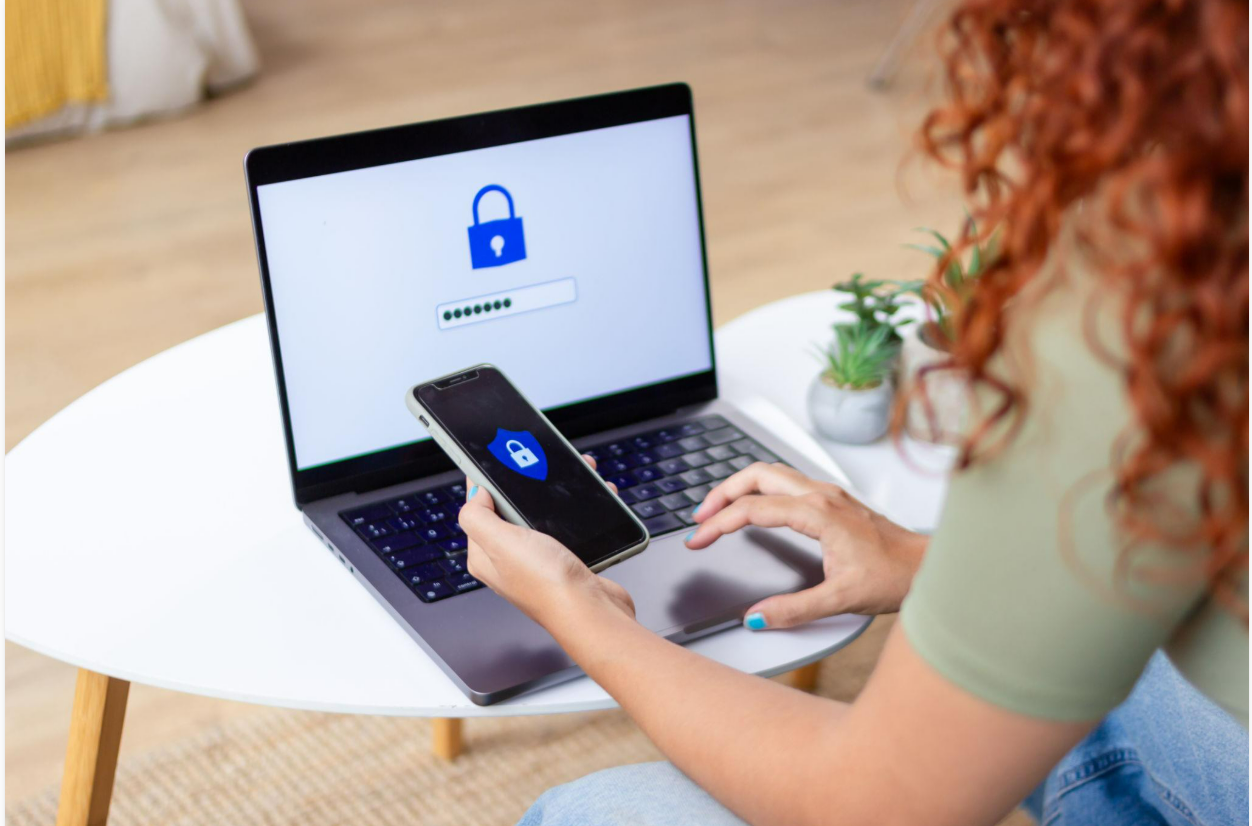
Internet access makes it easier to communicate, shop, study, work and manage services. However, online activity can also expose personal information to scams, account theft and unwanted disclosure.
People do not need to be cybersecurity specialists to improve their online safety. A few consistent habits can make accounts more difficult to compromise and help users recognise suspicious requests.
Understand what personal information you share
Personal information includes details that identify or help identify an individual, such as a phone number, email address, identification number, home address or account credentials.
Some information may appear harmless when considered individually but become more revealing when combined.
For example, a public post mentioning your workplace, travel plans and daily routine may disclose more about your activities than intended.
Before posting personal details, consider whether they need to be public and who might be able to access them.
Use strong, unique passwords
A password that is reused across several websites creates a potential weakness. If one service is compromised, criminals may attempt to use the same password on other accounts.
Use a different password for each important service. A password manager can help generate and securely store unique passwords.
Avoid passwords based on easily discovered information, such as your name, birthday or common phrases.
For important accounts, enable multifactor authentication where available. This adds another verification step beyond the password.
Recognise phishing messages
Phishing attempts try to persuade people to reveal sensitive information or open malicious links.
A message may claim that an account will be suspended, a payment has failed or a prize is waiting to be collected. It may imitate a bank, employer, delivery service or government institution.
Examine the sender, destination website and nature of the request. Be especially cautious when a message demands immediate action or requests a password or verification code.
If a message claims to come from a familiar organisation, access its website or contact it through a trusted channel rather than relying on the message link.
Keep devices and applications updated
Software updates often address security weaknesses as well as introducing new features.
Enable automatic updates where practical for your operating system, browser and commonly used applications. Download software from official stores or verified developer websites.
Remove applications you no longer use, particularly if they have access to sensitive information.
Updates cannot eliminate every risk, but running unsupported or outdated software can leave known vulnerabilities unaddressed.
Be careful when using public Wi-Fi
Public networks can be convenient in cafés, hotels, airports and other shared locations. However, users should not assume that every available network is genuine or appropriately secured.
Confirm the correct network name with the venue where necessary. Use websites with HTTPS, keep device sharing settings appropriately restricted and avoid installing unfamiliar certificates or applications at someone’s request.
For sensitive activities, use a trusted connection and follow your organisation’s security requirements. A reputable virtual private network may help in some situations, but it does not protect against every scam or malicious website.
Review app permissions
Some applications request access to contacts, location, microphones, cameras or files.
Review whether the requested permissions are necessary for the service. A simple calculator, for example, may not reasonably require access to your contacts.
Restrict unnecessary permissions through your device settings and review them periodically.
The appropriate permissions depend on the application’s purpose, so consider functionality before disabling access that a legitimate feature genuinely requires.
Secure your phone and computer
Use a screen lock and enable the security features supported by your device. Keep recovery methods current so you can regain access if necessary.
Where supported, device encryption and remote-lock or remote-wipe features may help protect data if a device is lost or stolen.
Avoid leaving logged-in devices unattended in shared spaces. If you use a public or shared computer, sign out of accounts and avoid saving passwords on the device.
Protect your financial information
Do not share banking passwords, payment PINs or one-time codes with someone who contacts you unexpectedly.
Check transaction notifications and account statements for unfamiliar activity. If you suspect that an account has been compromised, contact the relevant financial institution promptly through its official channels.
Be cautious of offers requiring upfront payments to obtain a supposed grant, job, investment return or prize. Verify the organisation and the offer independently before sending money or documents.
Understand privacy settings
Social media and online services often provide controls for who can see posts, profile information and activity.
Review these settings and limit the audience for personal information where appropriate. Remember that a recipient may still copy or redistribute content even when a platform offers restricted visibility.
When using online forms, provide only the information reasonably required for the service and review the organisation’s privacy information where available.
What to do if you suspect a breach
If you believe an account has been compromised, use a trusted device to change its password and secure associated accounts that may share credentials.
Sign out other sessions where the service permits it, review recovery details and enable additional authentication.
If financial information may have been exposed, contact the relevant provider. Preserve suspicious messages or transaction records if they may help an investigation, but do not forward malicious links to other people.
Conclusion
Online safety is an ongoing process rather than a single setting. Unique passwords, multifactor authentication, software updates, careful permission management and scepticism toward unexpected requests can help reduce common risks.
The most important habit is to pause before sharing sensitive information or acting on a message that creates pressure. When something seems suspicious, verify it through a separate, trusted channel.